Review: MacBook Air M2 for Penetration Testing in 2026
TD;LR
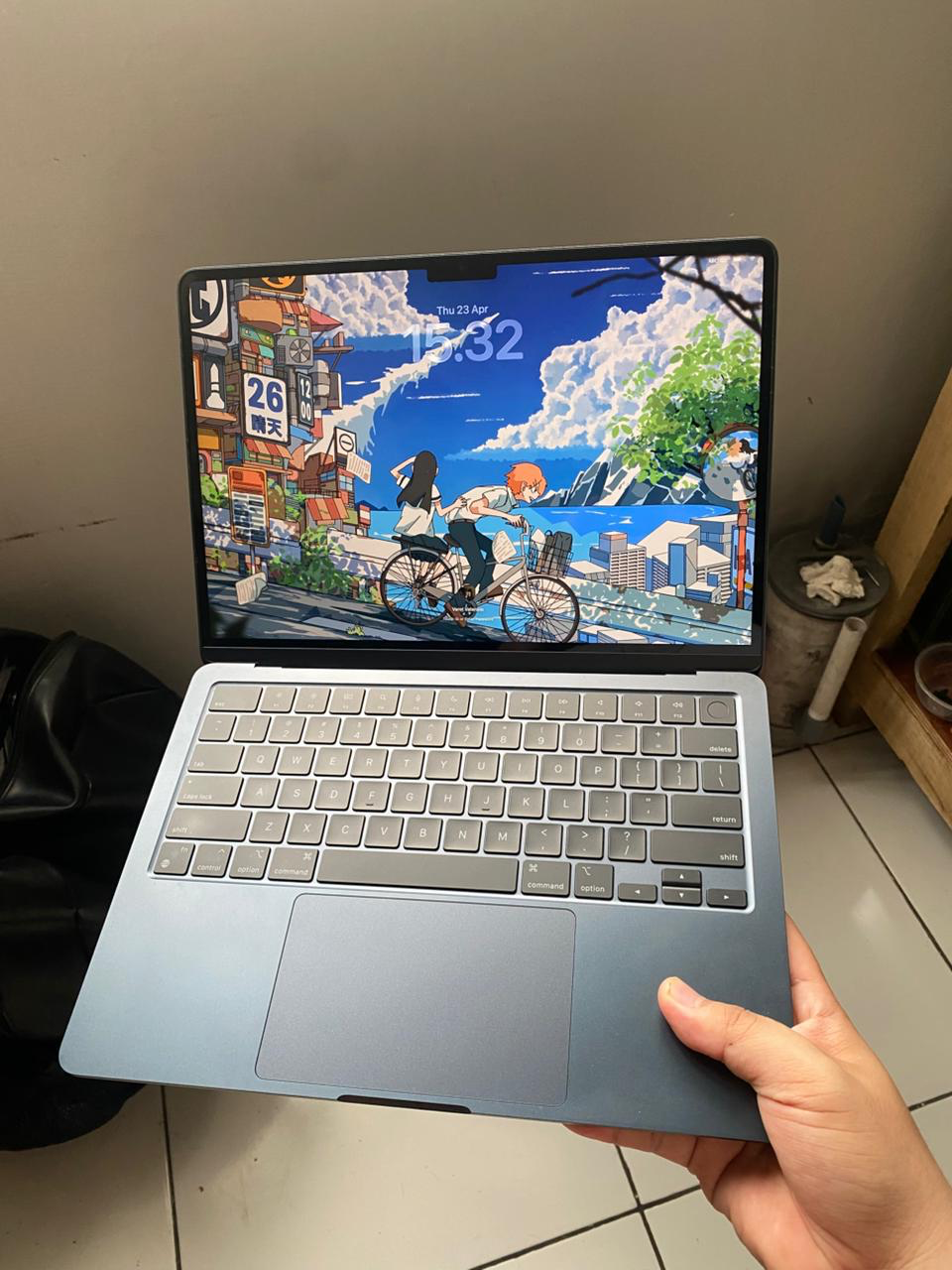
Hello everyone, it has been a while since my last post here on 0xc4t.re. I have been incredibly busy with my penetration testing engagements, balancing my full-time role with several freelance projects. As the title suggests, this article will serve as my review of the MacBook Air M2 specifically for penetration testing.
To be completely honest, I have spent the vast majority of my career utilizing Linux rather than macOS. However, in 2026, the need to conduct iOS application penetration tests prompted me to finally dive into the Apple ecosystem and invest in a MacBook.
I have been using this machine for five months now across both my primary job and my freelance work. I can confidently say that for web, infrastructure, and API penetration testing, this laptop is exceptionally powerful. For context, my unit is the MacBook Air M2 equipped with 16GB of RAM and a 256GB SSD.
Because of the limited storage capacity, I completely avoid using virtual machines (VMs). Instead, I rely exclusively on nix-darwin and home-manager to handle my system configurations and package installations. Additionally, I utilize the flake from Nix Security Box. This repository maintains an excellent collection of pentesting tool packages specifically for Nix environments. However, it is worth noting that a few tools still lack native ARM support, so I highly recommend cross-referencing the flakes you intend to use.
nix-darwin Packages For Pentesting
{ pkgs, ... }:

{
  nixpkgs.hostPlatform = "aarch64-darwin";

  users.users."0xc4t".home = "/Users/0xc4t";
  system.primaryUser = "0xc4t";
  system.stateVersion = 6;

  environment.systemPackages = with pkgs; [
    nmap
    hashcat
    john
    wireshark
    ffuf
    seclists
    bloodhound-py
    enum4linux
    enum4linux-ng
    kerbrute
    responder
    metasploit
    httpx
    nuclei
    sqlmap
    firefox
    libimobiledevice
    frida-tools
    apktool
    ghauri
    hash-identifier
    katana
    tmux
    sslscan
  ];
}
Nix HomeBrew
Beyond native Nix packages, I also integrate nix-homebrew to manage several tools that offer full support for Darwin on the ARM architecture:
{ config, pkgs, ... }:

{
  nix-homebrew.enable = true;
  nix-homebrew.enableRosetta = true;
  nix-homebrew.user = "0xc4t";
  nix-homebrew.autoMigrate = true;

  homebrew = {
    enable = true;

    onActivation = {
      autoUpdate = false;
      upgrade = true;
      cleanup = "zap";
    };

    taps = [
      "anomalyco/tap"
      "FelixKratz/formulae"
      "koekeishiya/formulae"
      "nikitabobko/tap"
      "anomalyco/tap"
    ];

    brews = [
      "php"
      "clang-format"
      "git-lfs"
      "go"
      "hydra"
      "libimobiledevice"
      "lua"
      "mingw-w64"
      "mole"
      "openjdk"
      "spicetify-cli"
      "tmux"
      "wget"
      "jadx"
      "libpcap"
      "opencode"
    ];

    casks = [
      "font-iosevka-nerd-font"
      "font-jetbrains-mono-nerd-font"
      "telegram-desktop"
      "anydesk"
      "thunderbird"
      "obsidian"
      "burp-suite"
      "ghostty"
      "codex"
    ];
  };
}
That pretty much covers the core toolset I rely on for web, API, mobile, and infrastructure pentesting.
So far, my primary bottleneck has been the storage. In my experience, 256GB feels quite restrictive, especially when I am used to my daily driver Linux machine which boasts 32GB of RAM and 1TB of storage.
In terms of performance, this laptop is a joy to use in an air conditioned room, even under heavy workloads. It effortlessly handles intense multitasking whether that means running active scans, fuzzing with Feroxbuster, keeping Microsoft Word open for reporting, or executing other demanding tasks. However, due to its fanless design, working in non-air-conditioned environments is a different story. The chassis will get noticeably warm (though not critically so), and you will start to experience some thermal throttling and slight lag.
By the way, if you are interested in trying out my Nix configuration, you can find it on my GitHub repository, Mac RTO.
Furthermore, I am absolutely in love with the MacBook's Retina display. The text rendering in the terminal is incredibly crisp and legible, which makes for a highly comfortable viewing experience and significantly reduces eye strain during long hours of work.
The battery life on the MacBook Air M2 is also exceptional. It is highly power-efficient, making it the perfect companion for anyone who enjoys working from cafes (WFC) where finding an available power outlet can sometimes be a struggle, haha.
That pretty much wraps up my brief review of this machine. Please keep in mind that my insights here are specifically tailored toward its utility for penetration testing workloads, rather than a comprehensive, general-purpose review of the MacBook Air itself.
If you have any recommendations, feedback, or suggestions for my articles, please feel free to drop me an email at: iam0xc4t@gmail.com.